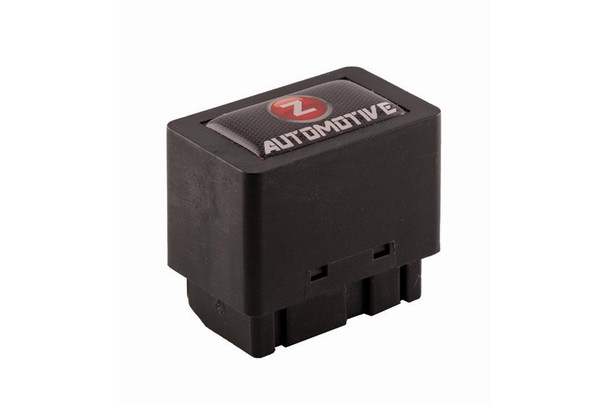
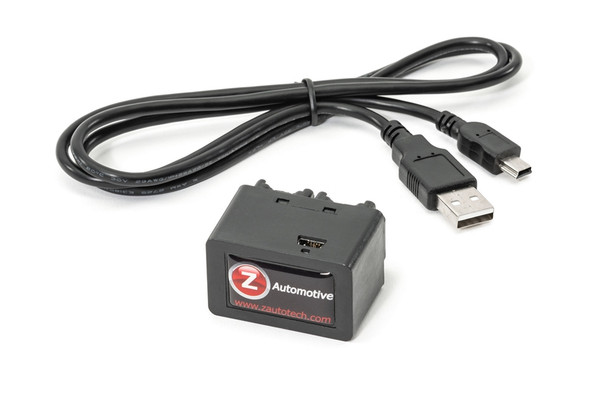
Tazer DT is to be an essential tool for owners of the new 2019 + Ram 1500 (New Body Style Only) NOW SUPPORTS THE NEW RAM TRX
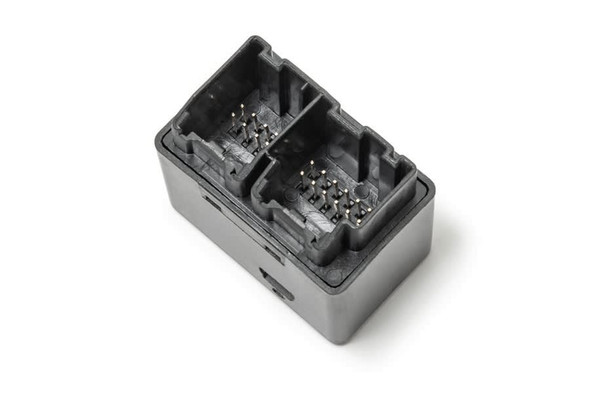
Simple, plug-in installation – simply unplug the SGW module and plug the Tazer DT Mini in its place. It is located above the OBD2 Diagnostic connector.
There are two sets of features – those that program the vehicle to accommodate modifications made to the Ram, and “live” features.
These are all accessed using the dash display, using steering wheel buttons to navigate the menus.
Settings – once the Tazer is “married” to the Ram, the following menus can be accessed. Unmarrying the Tazer DT will bring the settings back to stock.
Perf menu:
Adjust for alternate tire sizes up to 41″
Adjust for alternate axle gear ratios
Adjust for an alternate transfer case LO range ratio
TPMS menu:
Disable the TPMS system if desired
Change font/rear TPMS warning PSI limit
Radio menu:
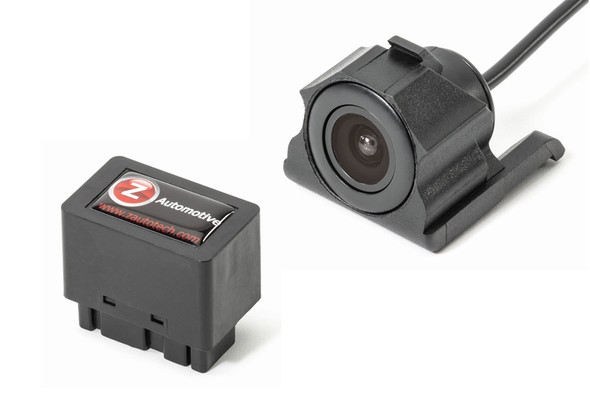
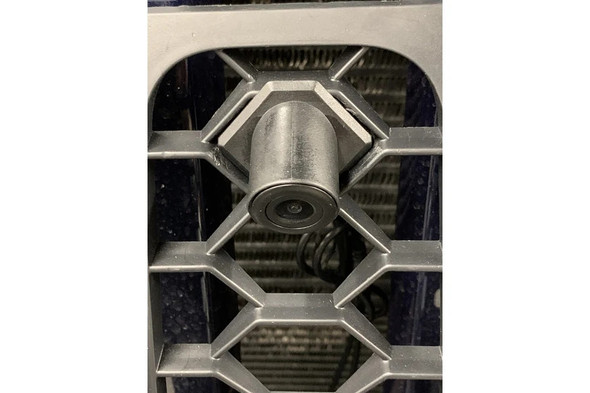
Disable Backup camera Enable Cargo/front/undercarriage Camera input Enable CD audio input Disable Travellink (weather warnings included) Lighting Menu
Change DRL location Disable DRL Dropout Enable Fog lamp output Disable Fog lamp dropout Disable one-touch lane change Disable Halo’s Set LED 3rd brake light type. Set LED Fog light type Set LED tail lamp type Set LED front turn signal type. Set Trailer Tow output for use with Mopar kit Other menus
Disable/Enable Front and Rear Lockers (for axle swap on Powerwagon) Enable Aux switch settings on the radio Enable Blind spot detection (sensors required) Change cluster splash screen to various Ram models Enable/Disable PANIC button on remote Live features
Light shows: Can be accessed from the key fob or the on-screen menu. Six pre-set light shows, and three make-your-own shows included. Set from the factory to only operate when parked, but can be unlocked for off-road, parade, and emergency personnel use. Automatic Power folding mirrors – mirrors fold and extend when the ignition is turned on/off Control front windows up/down from keyfob Disable Navigation in-motion lockout – enter addresses while the vehicle is moving Disable camera lockout – use the backup camera and/or added cargo/front/undercarriage camera at any speed for any length of time Auto Traction Kill – remembers the last state of traction control and will set it on start-up Auto stop-start Disable – remembers the previous state of ESS system and will set it on start-up Auto Tow Mode – remembers the last state of Tow mode and will set it on start-up TurnCAM – can turn on backup camera whenever turn signals are used 0-30 and 0-60 timers Cooldown mode – run engine fans when Ram is off, to aid in cooldown Winch mode – raise engine idle to 2000 RPM while winching or jumping another vehicle Line Lock: Can lock front brakes for an easy burnout Rock Crawl: Can lock all four brakes by pressing steering wheel buttons to hold the vehicle still, especially helpful when off-road. Button Mapping: Use cruise up, down and right buttons as quick-access to some of Tazer DT’s functions, when cruise control is off Clear Check engine light Free USB updates – certainly more to come!
Frequently Asked Questions (FAQs)
Q: How is the Tazer DT installed?
A: It plugs into the SGW (Security Gateway) module behind your dash. It is a 100% plug-and-play installation.
Q: Do I need a computer or app to use the Tazer DT?
A: No. All menu navigation is done using steering wheel controls, and clear instructions are provided. However, a computer is required to update your Tazer DT.
Q: Will this void my warranty?
A: The Tazer DT is non-invasive and doesn't flash the PCM. Some dealerships may flag changes, however, you can simply "un-marry" the Tazer DT and reset back to factory settings before a dealership visit.
Q: What are "live functions?"
A: Live functions only work while the Tazer DT is plugged in, this includes features such as AutoStartStop Disable, Light Shows and Rock Crawl.